Yes, Gears of War: E-Day is on PC and launched alongside Xbox on October 6, 2026. You can get it on Steam or through the Xbox app (Microsoft Store and PC Game Pass), and both versions support crossplay with Xbox in every mode, plus cross-progress once you link an account. You need a graphics card with hardware ray tracing and an SSD, with about 115–120 GB free.
Where to get it on PC
| Storefront | Price | Notes |
|---|---|---|
| Steam | $69.99 Standard / $99.99 Premium | No Microsoft account required to play |
| Xbox app / Microsoft Store | $69.99 Standard / $99.99 Premium | Xbox Play Anywhere included |
| PC Game Pass | Subscription | Standard Edition from day one |
| Premium Upgrade | $30 | For Standard owners and Game Pass members |
The PC download is about 120.04 GB, while the official requirement lists 115 GB of SSD space. Pre-loading opened on September 29 on both Steam and the Xbox app. There is no difference in launch timing between the two.
Steam vs Xbox app
Both versions can play with Xbox console players, and crossplay covers campaign co-op, Horde Siege and Versus. The main differences are accounts and ownership. The Xbox app version uses your Xbox account and includes Play Anywhere, so a digital purchase works on both PC and Xbox consoles.
On Steam, a Microsoft account is optional. To send cross-platform invites or use roaming saves, open the Social panel from the main menu and choose Link Account. Linked saves also follow you to Steam Deck and Xbox Ally.
If you are on PC Game Pass, the Xbox app is the way to play without buying. If you want the game in your Steam library, buy it there. Our Steam page covers Steam-specific details such as refunds and reviews.
PC features
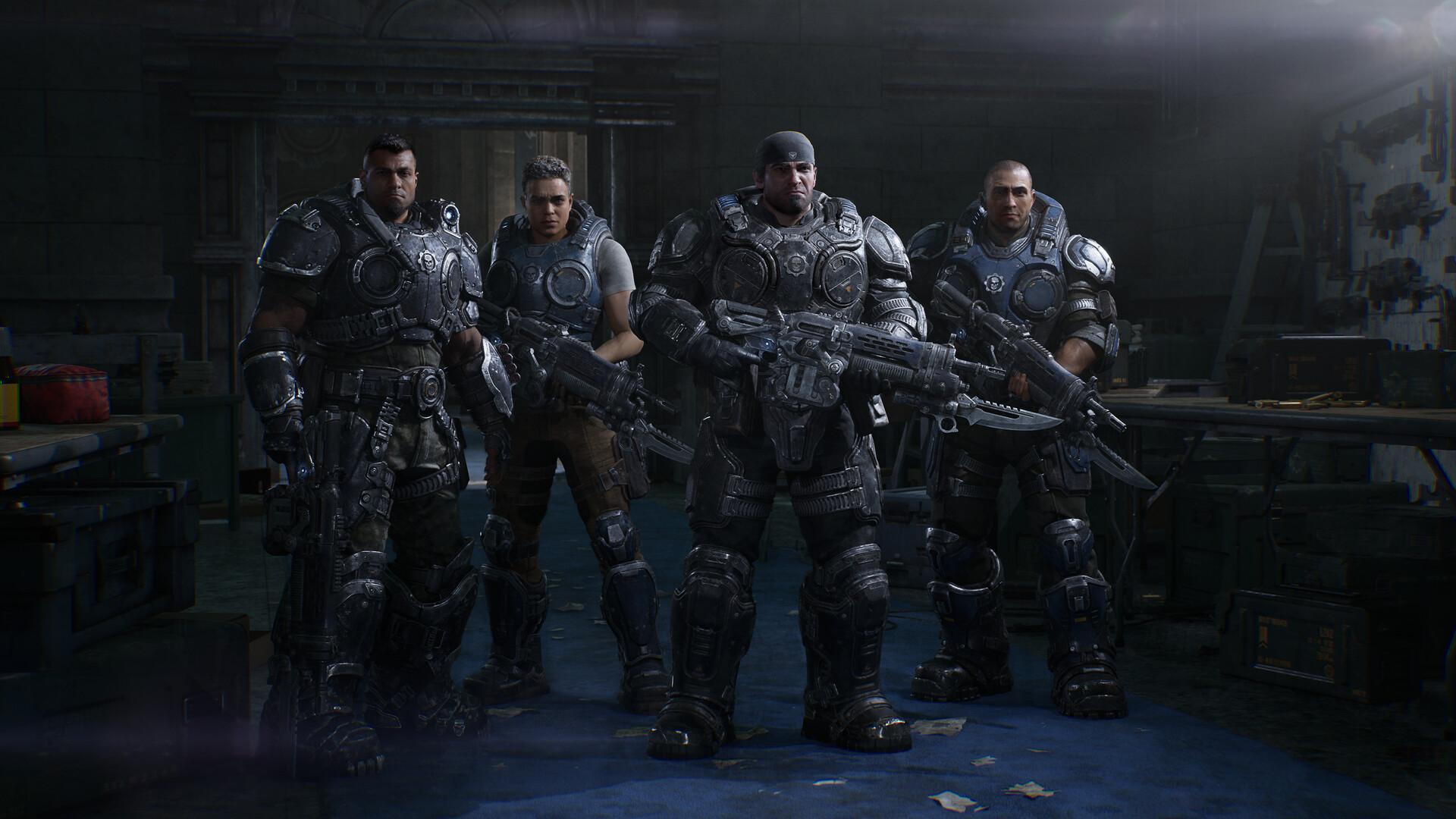
The Steam store lists a solid set of PC options under the banner of letting you customise the experience. Display modes include borderless, exclusive fullscreen and windowed. Frame rate can be unlocked on capable hardware.
- Ultrawide support for 21:9 and 32:9, in game and in menus
- Full remapping for keyboard and mouse and for controllers
- 4K, HDR10 and hardware ray-traced lighting, reflections and shadows
- NVIDIA DLSS 4.5 and AMD FSR "Redstone" upscaling
- Optional Frame Generation and Multi Frame Generation on supported hardware
- Variable Rate Shading
- A built-in benchmark mode
Hardware Unboxed notes that E-Day is the first game to combine NVIDIA's RTX Mega Geometry with Unreal Engine 5's Nanite. It also found that DLSS Ray Reconstruction and FSR Ray Regeneration are not supported.
System requirements in brief
Ray tracing is mandatory: the game uses ray-traced reflections, global illumination and shadows and will not run on cards without hardware ray tracing. An SSD is required at every tier. The official targets assume upscaling is on and aim for 60 FPS.
| Tier | GPU | RAM | Target |
|---|---|---|---|
| Minimum | RTX 2060 / RX 6600 class | 12 GB | 1080p Medium, 60+ FPS with upscaling |
| Recommended | RTX 3060 Ti / RX 6700 XT class | 16 GB | 1440p High, 60 FPS with upscaling |
| Ultra | RTX 5070 Ti / RX 7900 XT | 16 GB | 4K Ultra, 60+ FPS with upscaling |
The full table, including CPUs and Intel Arc cards, is on our system requirements page.
How it performs
Hardware Unboxed found the game visually impressive at high settings, but noted that heavy ray tracing brings visible noise. The Ultra preset is not the top option: a Ludicrous preset sits above it. On an RTX 5060 Ti 16 GB at 1440p, Ludicrous cost about 40% performance compared with Ultra.
Daniel Owen tested the open beta. On an RTX 5070 Ti at maximum settings and native 1440p, the built-in benchmark ran below 30 FPS, while minimum settings averaged 105 FPS and still kept the overall look. An RTX 3060 with a Ryzen 5 5600X mostly held 60 FPS at Medium using dynamic resolution.
Beta numbers may not match the final release, so re-test on your own system. Our best PC settings guide explains how to reduce noise and pick a preset.
A good starting point for settings
Start with the Ultra preset and set DLSS or FSR to Quality. If ray-traced noise bothers you, raise RT Shadows and RT Reflections to Ludicrous and turn off Variable Rate Shading. That trades some performance for a much cleaner image.
If you need more frame rate, drop the preset before lowering resolution, because even the minimum settings keep the game's overall look. Frame Generation is available on supported hardware for extra smoothness. Full details are in our best PC settings guide.
Controls on PC
Keyboard and mouse and controller bindings can be fully remapped. The default Modern control scheme was designed around the game's new sprint, slide and jump moves. On a controller, sprint is a left-stick click by default, and Modern Alt is the alternative many experienced players prefer.
The Steam version supports Xbox controllers and DualSense. Slide-to-cover is an optional setting worth trying, since it lets your character take cover automatically while sliding. Our beginner tips cover the control schemes in more detail.
DRM and online requirements
E-Day does not use Denuvo. Protection on PC comes from Steam's own DRM, Easy Anti-Cheat and Xbox network sign-in. The game has been reported not to launch without an internet connection.
Our Denuvo page explains what that means for performance and offline play. If the game crashes on launch, start with our crash fixes.
Handheld PCs
The Steam store says the game is fully optimized for Steam Deck, Xbox Ally X and Xbox Ally. Linking an account lets your saves roam between a handheld and your desktop. Xbox Cloud Gaming is another option on handhelds for Game Pass Ultimate members.
On a handheld, expect to lean on the lower presets and upscaling. Because the game keeps its overall look even at minimum settings, it holds up well on smaller screens. If performance is not good enough locally, cloud play avoids the hardware question entirely.
Is the PC version the one to get?
If your PC has a ray-tracing GPU and an SSD, PC offers the most flexibility: unlocked frame rates, ultrawide, upscaling choices and crossplay with everyone. Reviewers' footage captured on PC was widely praised for its looks. If your hardware is borderline, try it through PC Game Pass or within Steam's two-hour refund window first. Run the built-in benchmark before you commit.
Sources
References used for this page. Figures were checked on October 6, 2026.