Gears of War: E-Day has no official mod support, but PC players are already sharing mods on Nexus Mods — mostly performance tweaks, field-of-view fixes, subtitle files and cosmetic changes, installed as .pak files in a ~mods folder. Most require disabling Easy Anti-Cheat, so they are for offline solo play only; using them online risks a ban. If you meant weapon mods, those are in-game attachments found in yellow Hard Cases and Secondary Objectives.
Two kinds of “mods” in E-Day
Searches for E-Day mods mix two very different things. PC mods are community files that change the game's code, configuration or assets. Weapon mods are an in-game system: barrels, scopes, magazines and ammo types you find and equip in the campaign. This page covers both, starting with PC mods.
| Type | Where it comes from | Platforms | Safe online? |
|---|---|---|---|
| PC mods (.pak / config) | Nexus Mods and other community sites | PC only (Steam and Xbox app) | No — Easy Anti-Cheat |
| Weapon mods | Hard Cases, Secondary Objectives, Horde class progression | Xbox and PC | Yes — part of the game |
What PC mods exist right now
Nexus Mods opened a Gears of War: E-Day section within days of launch, and most listings were posted in the first two weeks of October 2026. These are the main categories we found when we checked on October 11, 2026:
| Category | Examples on Nexus | What they do |
|---|---|---|
| Performance | Gears E-Day Optimizer (Aiorro), AXIS Optimized Tweaks | Engine.ini or .pak tweaks aimed at stutter, frame pacing and stability |
| Display | 32:9 FOV adjuster | Field-of-view changes for super-ultrawide monitors |
| Visual clean-up | Hide Damage Effects | Removes on-screen damage overlays |
| Language | Thai subtitles, VOSTFR | Fan subtitle and translation files |
| Tools | Vortex extension | Adds E-Day support to the Vortex mod manager for Steam and Xbox installs |
| Anti-cheat bypass | EAC offline launchers | Starts the game with Easy Anti-Cheat disabled |
The scene is moving fast and moderation is active. The AXIS author says the original Engine.ini version was quarantined by Nexus and is not available for normal download while a rebuilt .pak version is developed, and a PCGamingWiki mirror notes that one bypass launcher was under moderation. Always read a mod's latest notes before downloading, check the comments for reports from the latest patch, and prefer mods with a visible changelog and an author who answers questions.
How PC mods are installed
E-Day runs on Unreal Engine, so most mods follow the usual Unreal pattern. Community install notes describe these steps:
- Find the game's Paks folder. For the Xbox app version, one Nexus page gives C:\XboxGames\Gears of War- E-Day\Content\FairlightConcept\Content\Paks. Steam installs sit under your Steam library's common folder instead.
- Create a folder named exactly ~mods inside Paks if it does not exist. The tilde makes the engine load it last, so its files override the originals.
- Copy the mod's .pak, .ucas and .utoc files into ~mods. Config-style mods instead edit Engine.ini, so back up the original first.
- Launch the game. If it crashes at startup, remove the files you just added.
A manager such as Vortex can do these steps for you once its E-Day extension is installed. Either way, keep a list of what you added: official patches regularly break .pak mods, and the quickest fix is to remove them and verify your game files. Our crash fixes page explains how to repair the installation.
Easy Anti-Cheat: the ban question
E-Day ships with Easy Anti-Cheat on PC, and it protects the crossplay modes — Horde Siege, Versus and online co-op. Community guides report that loading custom .pak files with anti-cheat active either crashes the game at launch or risks flagging your account. That is why so many mods pair with an "EAC offline bypass" launcher.
Only use file mods or anti-cheat bypasses in offline solo play, and remove them before going online. Using them in public matches can get your account banned, and no community mod author can protect you from that. Players also report that simply renaming the anti-cheat executable makes the game refuse to start.
Simple, cosmetic and subtitle mods are lower risk than memory-editing tools, but "lower risk" is not "allowed": the anti-cheat system checks for modified files, not intentions. The same reasoning applies to trainers; see our WeMod page. E-Day does not use Denuvo — the full DRM picture is on our Denuvo page.
Will there be official mod support?
As of October 11, 2026, we found no statement from The Coalition or Xbox promising mod tools, Steam Workshop support or a map editor for E-Day. Fans are asking for it on Reddit, but that is a request, not a plan. Console players should not expect mods at all; Xbox does not support community file mods for this game.
If you want better performance without the risk, official settings get you most of the way. Our best PC settings guide covers the presets, DLSS options and fixes for ray tracing noise.
In-game weapon mods and mod slots
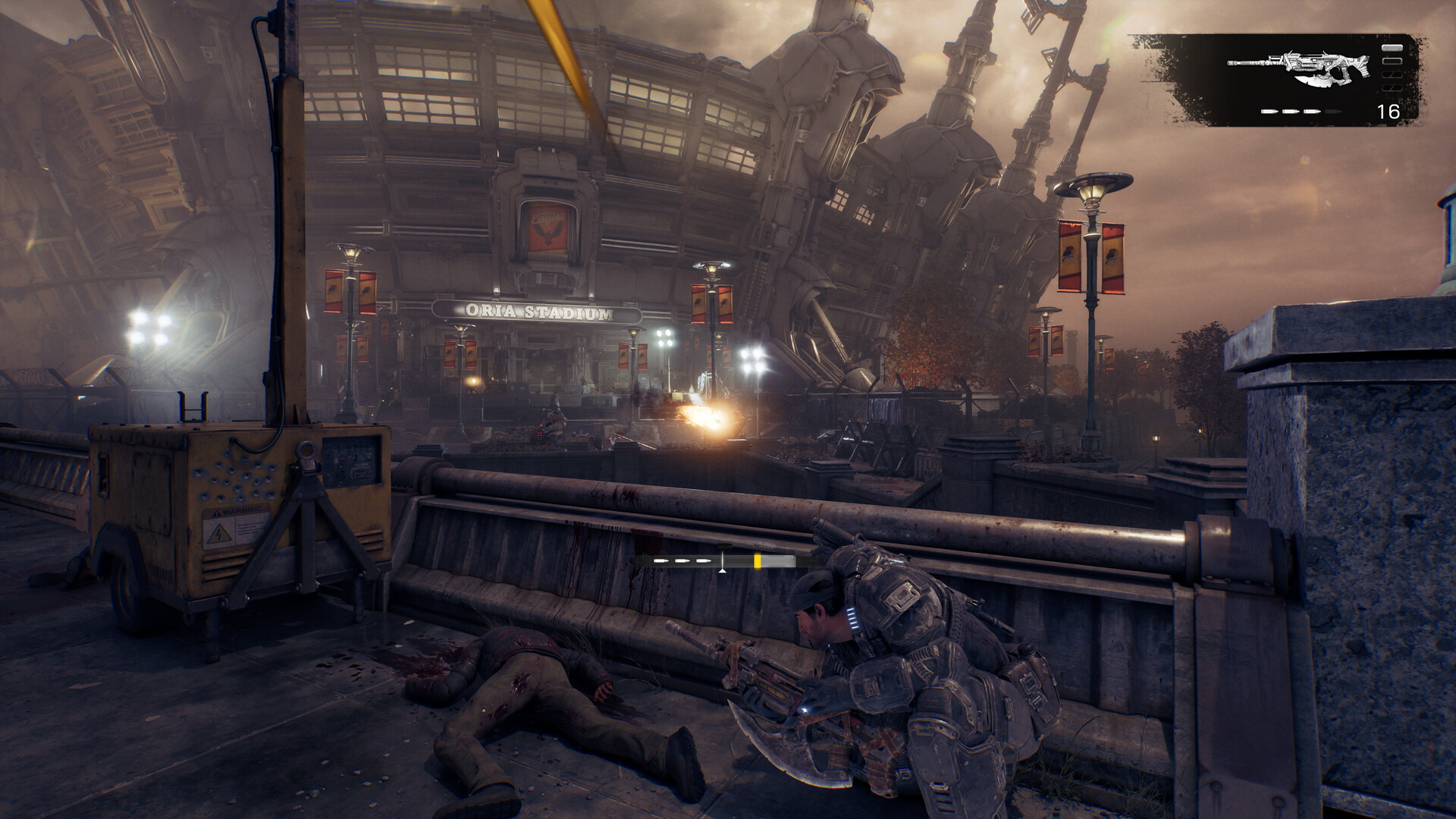
Every campaign weapon has a Perfect Reload row plus three numbered mod slots. Slot 1 starts open; slots 2 and 3 stay locked until you collect a reward labeled "General Mod Slot" for that weapon. Finding a new mod and unlocking a slot are separate rewards, so you can hold mods you cannot fit yet.
| Question | Answer |
|---|---|
| Where do mods come from? | Yellow Hard Cases and Secondary Objectives in the campaign |
| Where do I equip them? | At a Supply Cache |
| Mod categories | Barrel, Magazine, Stock, Scope, Body, Ammo, Misc, plus Perfect Reload |
| Can I stack two barrels? | No — mods in the same category conflict |
| Horde Siege | Unlocked through class progression and bought with Weapon Parts |
Strong early picks reported by guide sites include the Lancer Laser from the Lost in Translation objective and the Hammerburst Bayonet from Vanguard, both in Act 2, Chapter 2, and the Longshot Forged Barrel in a Hard Case beneath the Gears statues in Act 2, Chapter 3. Act 2, Chapter 2 is also where many weapons get their extra slots. For where every case sits, use our collectibles guide and walkthrough.
Sources
References used for this page. Last editorial update: October 11, 2026. Dated snapshots are labelled in the text.
- Nexus Mods — Gears of War: E-Day section
- Nexus Mods — AXIS Optimized Tweaks (quarantine note, Xbox install path)
- Nexus Mods — Gears E-Day Optimizer by Aiorro
- Nexus Mods — Gears of War E-Day Vortex Extension
- PCGamingWiki Community — EAC offline bypass (moderation note)
- All Things How — Weapon mods and mod slots explained (October 8, 2026)
- GamesRadar — Best E-Day weapon builds and mod locations