On Xbox Series X, Gears of War: E-Day offers three modes. Quality targets 30 FPS at about 1152p, Balanced targets 40 FPS on a 120Hz screen at about 1000p, and Performance targets 60 FPS at about 936p, all upscaled to 4K. Series S runs the same modes at roughly 576p–792p, with heavier cuts. There is no 120 FPS mode. The install is about 120 GB.
Graphics modes on Xbox Series X
E-Day is built in Unreal Engine 5, and both consoles get three presets. The figures below come from Digital Foundry's pre-launch analysis as reported by several outlets. Resolutions are averages, because every mode uses dynamic resolution and upscales with Temporal Super Resolution (TSR).
| Mode | Target | Average internal resolution | Notes |
|---|---|---|---|
| Quality | 30 FPS | About 1152p | Most stable; Virtual Shadow Maps, ray-traced reflections on glass, strand hair |
| Balanced | 40 FPS (120Hz display) | About 1000p | Needs a 120Hz-capable TV or monitor |
| Performance | 60 FPS | About 936p | Holds 60 in linear areas; dips in big spaces |
All three output a 4K image, but the internal resolution sits closer to 1080p. TSR does a good job of hiding that on a TV at normal viewing distance. Fine detail such as foliage and distant geometry is where the difference between modes shows most.
How Series S compares
Series S runs the same three modes at much lower resolutions and with more visual features removed. Digital Foundry measured about 576p in Performance, 648p in Balanced and 792p in Quality, all upscaled.
| Mode | Series X | Series S |
|---|---|---|
| Quality (30 FPS) | About 1152p | About 792p |
| Balanced (40 FPS) | About 1000p | About 648p |
| Performance (60 FPS) | About 936p | About 576p |
In Performance mode, Series S loses Lumen reflections entirely and gets reduced MegaLights quality. Muzzle-flash lighting is removed, and global illumination and foliage density are lowered. Digital Foundry also recorded frequent drops and frame-time spikes above 100 ms in large open areas, while enclosed spaces ran much better.
Series S has less than two-thirds of Series X's memory. The Coalition worked with Microsoft's platform teams to use the console's SSD as an extension of RAM through memory-mapped files, which frees roughly 1 GB of extra usable memory.
Is there a 120 FPS mode?
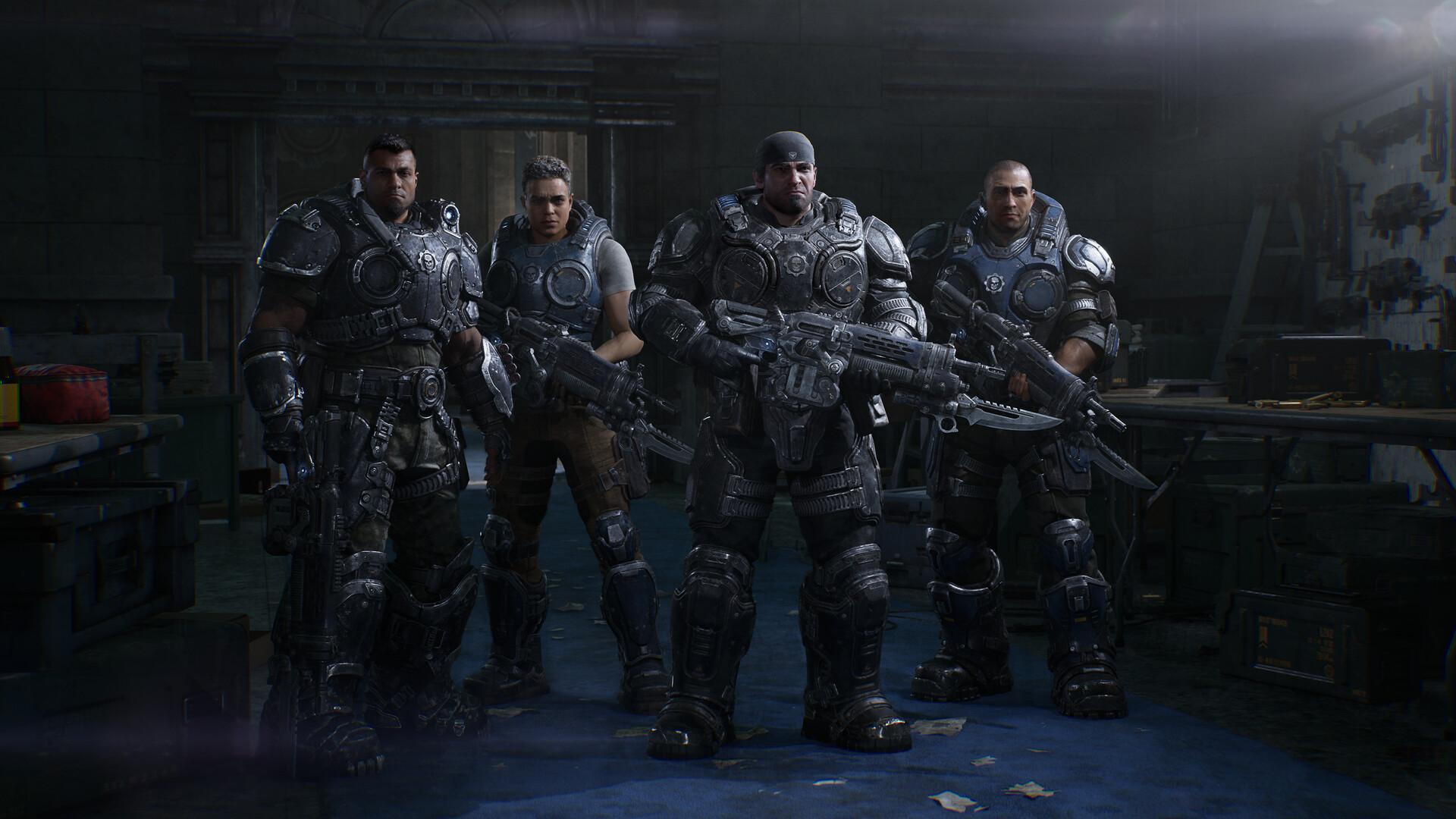
No. Neither console has a 120 FPS mode, despite YouTube videos with "120fps" in the title. What a 120Hz display adds is access to the 40 FPS Balanced mode. 40 FPS divides evenly into 120Hz, so motion looks noticeably smoother than 30 FPS with less of a resolution cost than 60 FPS.
Variable Refresh Rate (VRR) also helps. With VRR switched on, small dips below 60 FPS in Performance mode are much harder to notice because the display waits for each frame. Digital Foundry noted that VRR makes the issues less visible but does not fix their cause.
- Go to Settings → General → TV & display options on your Xbox.
- Set the refresh rate to 120Hz if your TV supports it.
- Open Video modes and tick Allow variable refresh rate.
- Restart the game so the 40 FPS option appears in its graphics menu.
Which mode should you pick?
- Series X with a 120Hz/VRR TV: Performance. VRR smooths most dips, and 60 FPS suits a cover shooter.
- Series X on a 60Hz TV: Performance for multiplayer; Quality for a slower, cinematic campaign run.
- Series S with a 120Hz TV: Balanced. It is the most consistent option on the smaller console.
- Series S on a 60Hz TV: Quality for the campaign. Performance stutters most in the large city areas.
In Versus and Horde Siege, frame rate matters more than image detail, so take Performance where your screen allows it. Our beginner tips cover the controls and settings worth changing before your first match.
Where performance dips
Digital Foundry found that Performance mode on Series X generally holds 60 FPS in the game's linear sections. Larger environments and fast traversal produce frame-time spikes and occasional longer drops. It traced these mainly to CPU-side streaming and memory management rather than raw GPU load.
In practice, the hub-style areas and big city battles are where you will notice it. Tight corridor fights are much steadier. Digital Foundry's testing predates the day-one patch, so some smaller improvements may already be in the game you download.
Loading is quick on both consoles thanks to the SSD, and the campaign streams most areas without hard loading screens. That streaming is also why traversal is where hitches appear: the console is pulling new data while you move. If a stutter bothers you, Quality mode hides it best, because a 30 FPS target leaves more headroom per frame.
Install size and storage
The full install is about 120 GB on Xbox Series X|S, measured during the September 29 preload. The install manager lets you pick components, so you do not need everything at once.
| Component | Reported size |
|---|---|
| Base game (required) | About 21.9 GB |
| Campaign | About 81.4 GB |
| Horde Siege | About 76.5 GB |
| Versus | About 30.3 GB |
Components share data, which is why the parts add up to more than the total. If space is tight on a 512 GB Series S, install the campaign first and add multiplayer later. Leave some headroom for patches, and an expansion card works if you need more room.
Disc, digital and Game Pass on Xbox
On Xbox, you can buy the Standard Edition on disc or digitally for $69.99, or play it with Game Pass Ultimate. The disc is Xbox Series X only, because Series S has no drive. The Collector's Edition also includes a Series X disc. Either way, expect a large download for the day-one update.
Game Pass covers the Standard Edition only. Early access and the seasonal cosmetic packs need the Premium Upgrade. Our Game Pass page explains the tiers, and our deals page tracks the lowest prices.
Crossplay and co-op on console
Xbox players share matchmaking with Steam and Xbox app players in every mode. The campaign supports four-player online co-op, plus two-player split-screen on a single Xbox. Split-screen is an Xbox-only feature and is not available on PC.
Want the matching hardware? The E-Day Limited Edition controller launched on September 30. And if you are wondering about other consoles, our PS5 page explains why E-Day is Xbox-only.
Sources
References used for this page. Figures were checked on October 9, 2026.
- Twisted Voxel — Series S takes a major performance hit (Digital Foundry figures)
- Martin Cid — E-Day uses the Series S SSD as RAM
- Pure Xbox — Steam record and Xbox Series S praise
- AllKeyShop — Preload, storage and install manager
- Windows Central — Xbox storage space and expansion options
- Xbox Store — Gears of War: E-Day