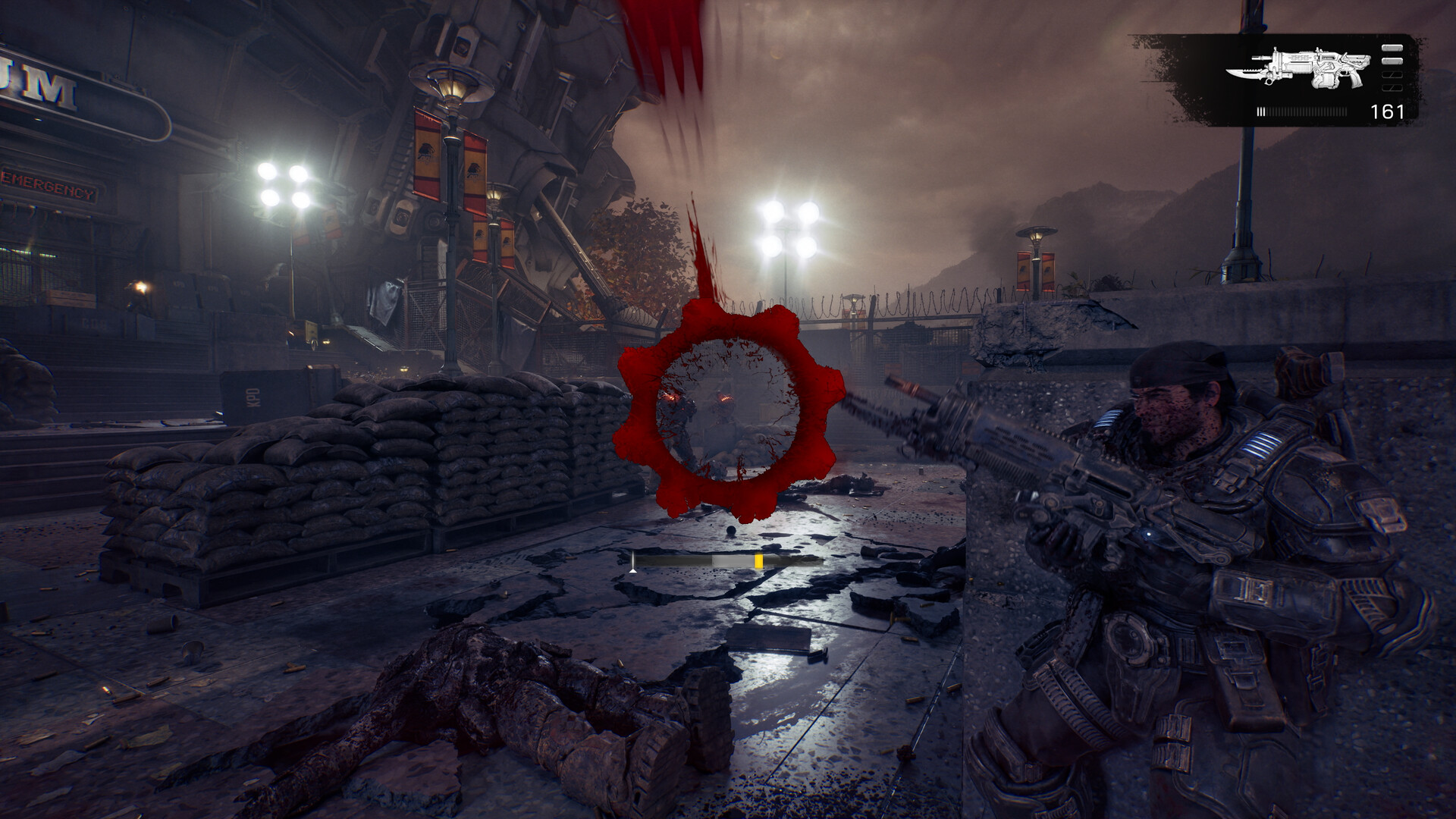
Yes — Gears of War: E-Day supports crossplay between Xbox Series X|S and PC, on both Steam and the Xbox app. Campaign co-op takes up to four players online, and two-player split-screen works on Xbox consoles only. Steam players need to link an Xbox account only to send cross-platform squad invites. There is no PlayStation or Switch version, so those platforms are not part of crossplay.
E-Day crossplay at a glance
| Question | Answer | Evidence |
|---|---|---|
| Xbox Series X|S with PC? | Yes | Third-party coverage and the official beta FAQ's cross-platform invite instructions |
| Steam with the Xbox app? | Yes, both are PC versions of the same game | Official Xbox FAQ: PC access through the Microsoft Store and Steam |
| Online campaign co-op | Up to four players | Official Xbox game page |
| Split-screen | Two players, console only | Official Xbox footnote: “available for console only” |
| Shared progression | Yes, through Xbox Play Anywhere | Official Xbox FAQ: shared progression and achievements |
| PS5 or Switch 2 | No version exists | See is E-Day on PS5? |
We checked the official Xbox game page and The Coalition's beta FAQ on October 17, 2026. The Xbox page never uses the word “crossplay”; it describes cross-device progression and online co-op instead. The cross-platform rules therefore come from the official invite instructions plus consistent launch coverage.
Which modes cross platforms?
Launch coverage, including Thurrott's release-day report and several co-op guides, describes crossplay across the online modes rather than only in one playlist. In practice that covers:
- Campaign co-op — up to four players, each controlling one member of Bravo Squad.
- Horde Siege — the large PvE mode, described at launch as up to 12 players across three squads.
- Versus — 4v4 PvP with Social and Ranked playlists.
We could not find an official statement on whether you can switch crossplay off or filter matchmaking by input device. Some fan wikis describe a toggle; others say none exists. Treat any input-based ranked filter as unconfirmed until you see it in your own settings menu or The Coalition documents it.
Steam players: the cross-platform invite catch
According to The Coalition's beta FAQ, you do not need an Xbox or Microsoft account to play E-Day on Steam. You need a linked Xbox account only to send squad invites to friends on another platform.
- Open the social pane from the main menu.
- Select Link Account in the upper-left corner and sign in with your Xbox account.
- Add your Xbox-side friend, then invite them to your squad from the same social pane.
If an invite does nothing, check that both players have installed the latest update, because the October 14 patch fixed account-linking and friends-list problems. A failed invite between two platforms is usually an account-linking or service issue, not a sign that crossplay is disabled.
Cross-save and progression
E-Day is an Xbox Play Anywhere game: according to the official Xbox page, one purchase covers Xbox Series X|S and Windows PC, with shared progression and achievements. A Game Pass member can therefore start on a console and continue through the Xbox app on PC.
Steam is a separate purchase. Launch coverage of the Steam listing says roaming saves carry over once you link an account, but a Steam copy does not give you a free console licence. If you are still choosing a store, our Steam vs Xbox app guide compares the ownership rules.
Before switching platforms mid-campaign, let the cloud sync finish on the first device. Quitting during a save and launching on another device straight away is the most common way to load an older checkpoint.
Split-screen: console only

Microsoft's own fine print states that two-player split-screen “is available for console only”. That means:
- Split-screen works on one Xbox Series X|S with two controllers and, typically, two signed-in profiles.
- There is no split-screen or local co-op on PC, including Steam Deck and other handheld PCs.
- The product copy describes split-screen for the campaign. Split-screen in Horde Siege or Versus is not confirmed on the official page.
Some guides report that a split-screen pair can join two online players to make a four-player squad. We have not confirmed this from an official source. If you test it, have the console host create the squad before inviting the online players.
How campaign co-op works
| Rule | What to expect |
|---|---|
| Squad size | Up to four online players; any of the four Bravo Squad characters can be picked. |
| Joining | Friends can join a campaign that is already running. |
| Difficulty | Reported to be selectable per player in co-op. |
| Pausing | Reported to be limited to the host. |
| Progress for guests | Credit for what you play after joining, not for the host's earlier chapters. |
If you are tracking items in co-op, compare your own journal with the collectibles checklist: a pickup that a teammate makes does not always show up for every player the same way. For chapter planning, use the chapter list.
Do you need Game Pass to play online?
On Xbox consoles, yes. The official footnote says online campaign co-op, Horde Siege, Versus and other multiplayer features require a Game Pass subscription that includes online multiplayer, sold separately. The open beta FAQ placed that at Game Pass Essential or higher.
On PC the official pages are less explicit. Microsoft markets online multiplayer as a console perk, and the Steam listing does not name a subscription requirement. See our Game Pass guide for which tiers include the game itself.
Crossplay not working? Check these first
- Both players install the same game version; a pending update on either side can block joining.
- Check the official service status page for matchmaking incidents.
- On Steam, confirm the Xbox account is still linked in the social pane.
- Sync your system clock. The beta FAQ ties the bryce-vigil and gill-gutpuncher errors to time mismatches.
- For a drone-snub network error, make sure the required UDP port is open and test without a VPN.
When only one platform has trouble joining, test a private squad with a friend on the same platform first. If that works, the problem is almost always the cross-platform link or a version mismatch rather than your connection.
If the game itself closes instead, use the Xbox crash guide or the PC crash guide, depending on where it happens.
Sources
References used for this page. Last editorial update: October 17, 2026. Dated snapshots are labelled in the text.